
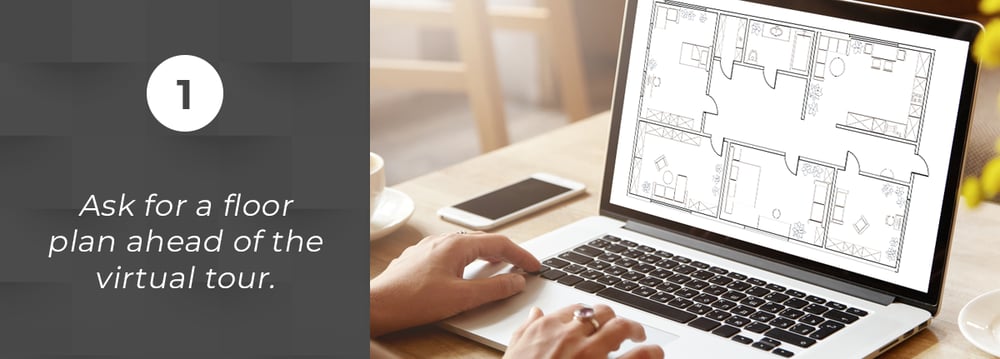
1. Ask for a floor plan ahead of the virtual tour.

2. Prep your technology.
You don't need to be tech-savvy to be able to attend virtual showings and continue your house hunting safely. However, it’s imperative that you prepare the technology you will need for the tour so you can show up on time, as you would with a regular showing. Make sure that your computer or smartphone is fully charged before taking the tour. Test your network connection and ensure it’s as strong as possible, especially when using apps like FaceTime or Skype. If you and your agent have set up the showing via Zoom, double-check that the link is correct.

3. Ask the right questions.
During an in-person tour, you're free to see and touch every nook and cranny of the house, as well as check and examine the nitty-gritty details. You’ll be able to touch the countertops and other finishes, see how high or low the ceiling is, check the appliances, and go through every room and available storage space. But once you’ve gone virtual, there might be some details that you’re likely to miss out or won’t come clear through a screen.
This is why you shouldn’t hesitate to ask proper questions to your agent during the virtual showing, even more questions than you would in person. Keep in mind the important aspects of a home that couldn’t be captured in camera, anything concerning the light, smell, and noise in the house. Find out if there are unusual odors, the noise levels inside the home, the direction of natural light, etc. Ask for the age of the appliances, the roof, and the HVAC to get a better sense of their real condition. Also, don’t forget to check the often-overlooked parts of the home such as the laundry room, garage, and other storage areas. Also ask your realtor to let you see the curb appeal and outdoor areas of the home to complete the experience.
Remember that after the virtual showing, you should be able to get a clearer picture of the place and see if it fits you and your family’s needs so far. That way once you’re already allowed to go out and view the home in person, you can focus on validating the details you saw and try to visualize yourself living there.
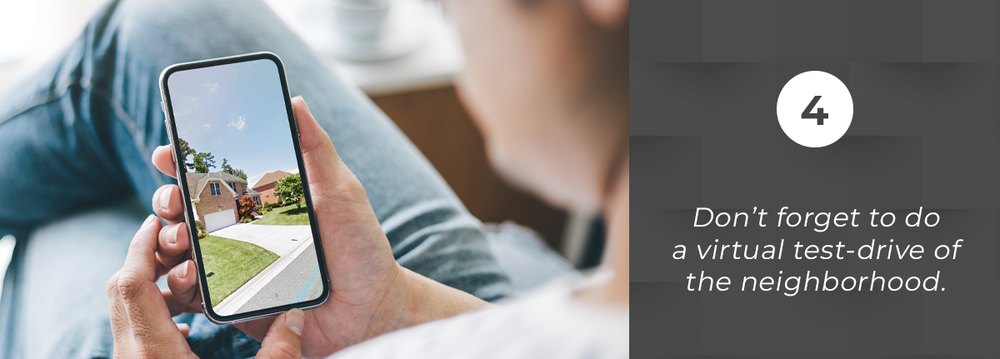
4. Don't forget to do a virtual test-drive of the neighborhood.
Remember that you’re not just looking for a home but for a community, so finding the right neighborhood is also crucial. However, because of COVID-19 limiting our ability to go out, strolling a neighborhood in some areas may be restricted or strictly impossible.
You may not be able to check out the local coffee shops and restaurants, but you can still do a virtual drive-by of the neighborhood. You can do this even before the scheduled showing to check the look and feel of the streets and surrounding areas, especially if you're still not familiar with the place.
You can look at the home on Google Street View via Google Maps. It’s a great way to ‘walk’ the street without leaving your comfortable couch. You can also check for neighborhood publications and even community social media groups to know more about the local events and activities. Likewise, ask your realtor if you can take a drive around the neighborhood so you can see the nearby houses and amenities for yourself (without leaving your car to practice social distancing, of course). Or, simply ask your realtor to shoot a video of the neighborhood or include them in the showing, especially if you’re an out-of-town buyer.
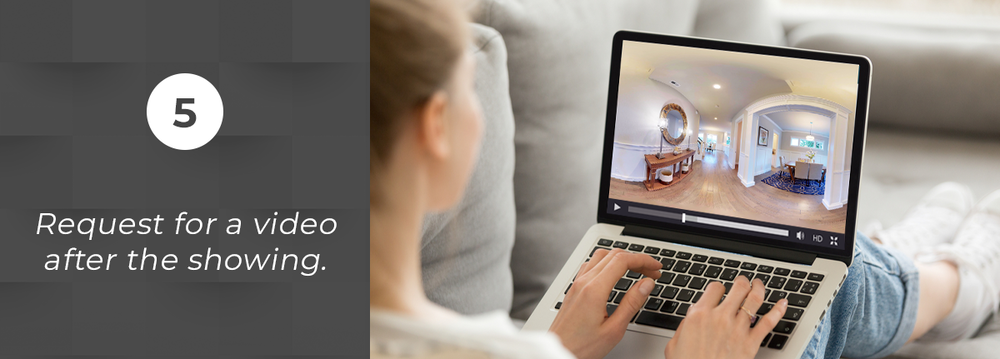
5. Request for a video after the showing.
Ask your agent to send you the recorded video footage after the virtual showing so you can refer back to it when you're making a decision. You can also refer to it in case you missed out some details of the home during the live tour, or if you want to check out the features that are most important to you. Having your agent record the whole tour will also prove useful in case you experience network or connection issues during the showing.